Reading and sending messages
Messages between you and the office or your manager.
Messages let you and your manager (or the office) send each other notes, a bit like text messages.
1
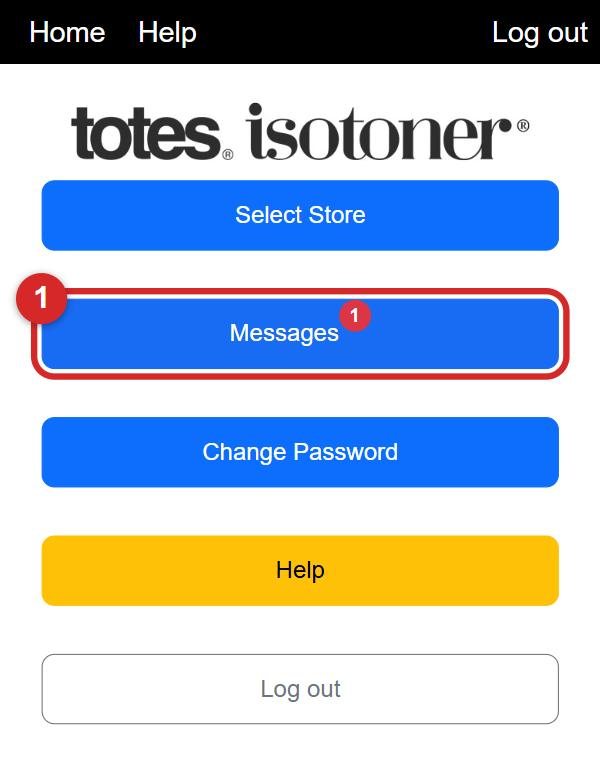
On the home screen tap Messages. A red number on the button means you have new messages.
2
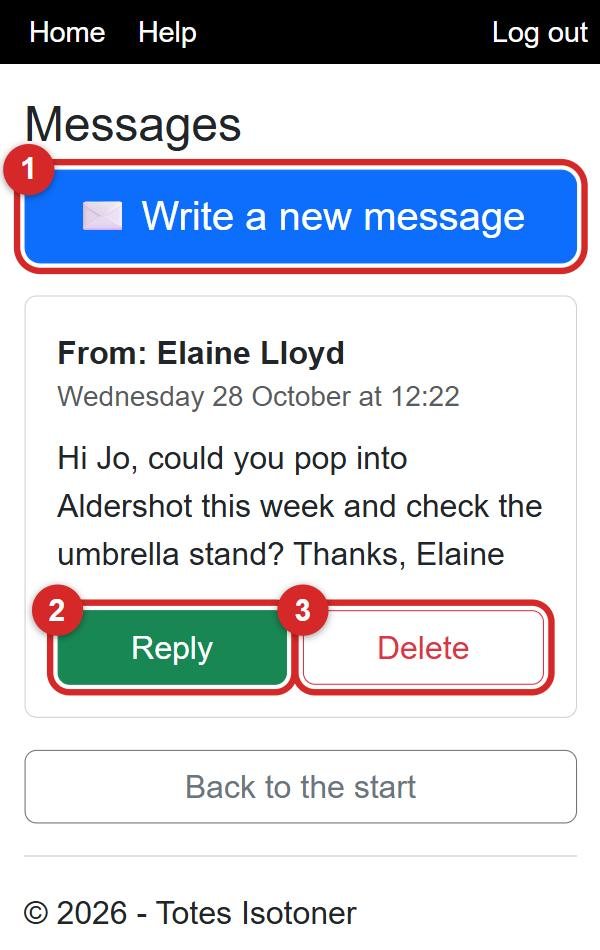
Your messages are listed, newest first. To answer one, tap the green Reply (number 2). To get rid of one, tap Delete (number 3) and say OK. To start a new one, tap ✉️ Write a new message (number 1).
3
Writing a message: 1. choose who it is to, 2. type your message, 3. tap the green Send Message button.
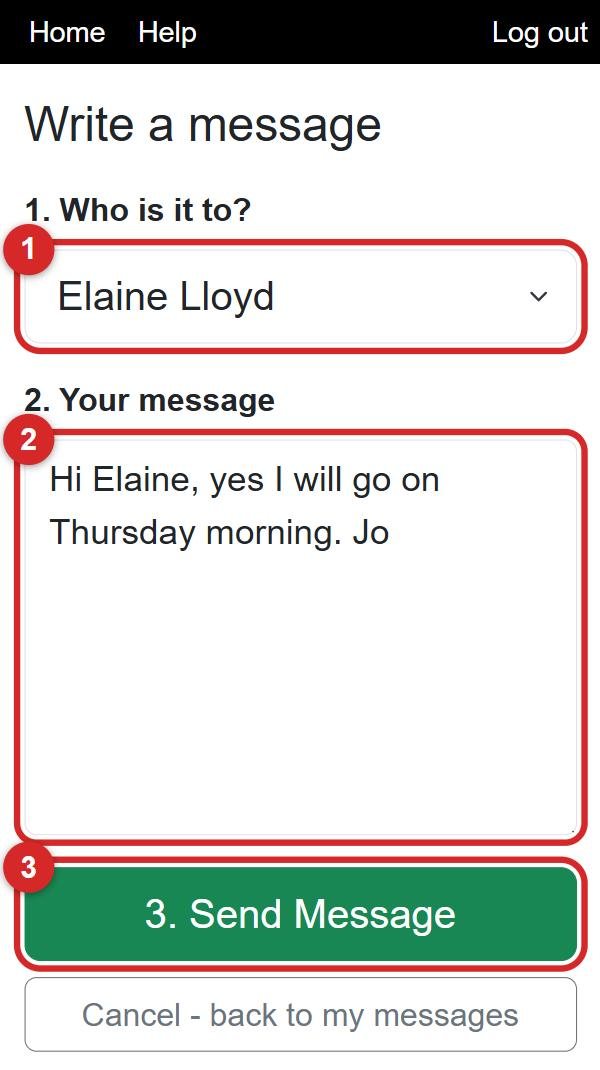
💡 When you tap Reply, the person is already chosen for you. Just type and send.